
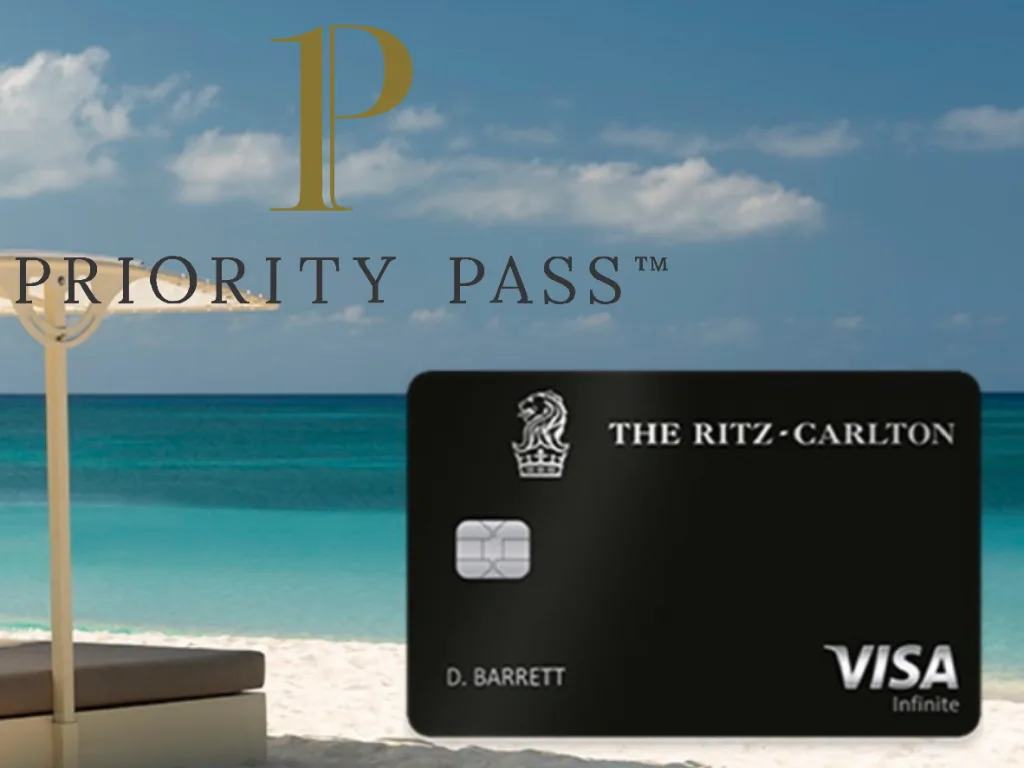
Chase Ritz is one of the keeper cards you should hold long term (post 🔗). The strengths keep adding up:
-
Effectively a negative annual fee: $450 – $300 (airline credit) – $300 (value of the 85K free-night award)
-
Strong travel insurance, and it applies as long as you put part of the spend on this card
-
You can add multiple authorized users, and each authorized card has its own Priority Pass account
The benefit has been cut more than once (airport restaurant coverage was removed in March 2024; from 15 January 2026 you can only bring two companions into the lounge for free), but every free authorized card still gets its own PPS account, with no visit cap. That is still attractive.
The other day 冰吨吨 wanted to add an authorized card so parents could have a free Priority Pass, and found the whole thing can be done in the app with no phone agent. Recording the steps here.
How to view PPS accounts for the primary card and every authorized card
You can see every cardholder’s PPS details in the Chase app without calling.
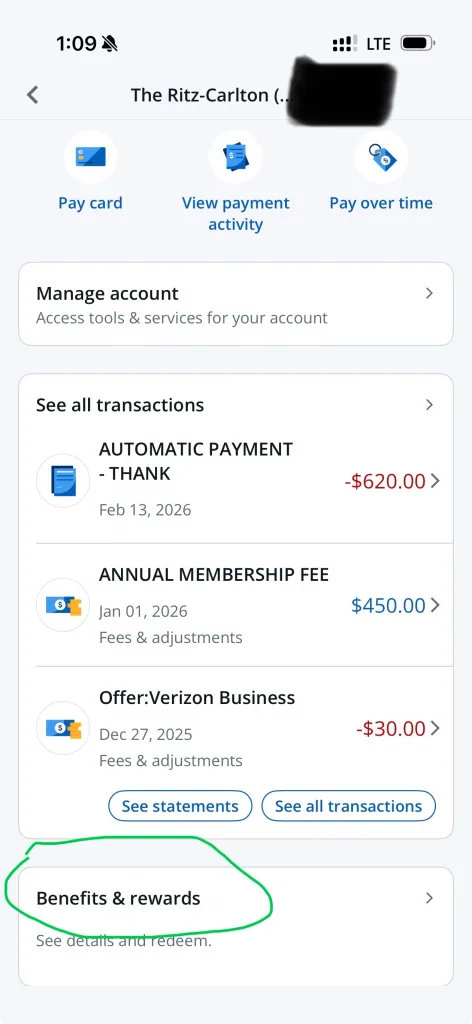
It does not seem to be visible in the Chase website account. Open the app, find this card, then Benefits & Rewards below it:
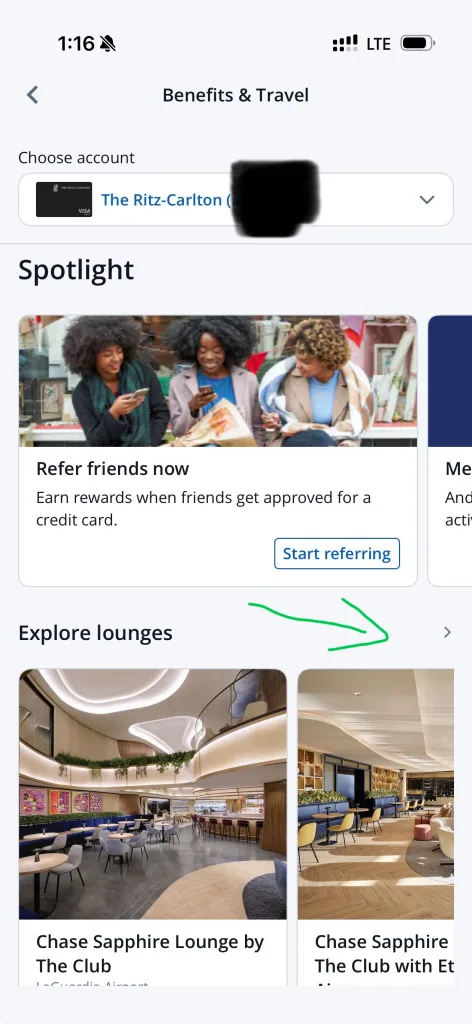
Then go into Explore lounges:
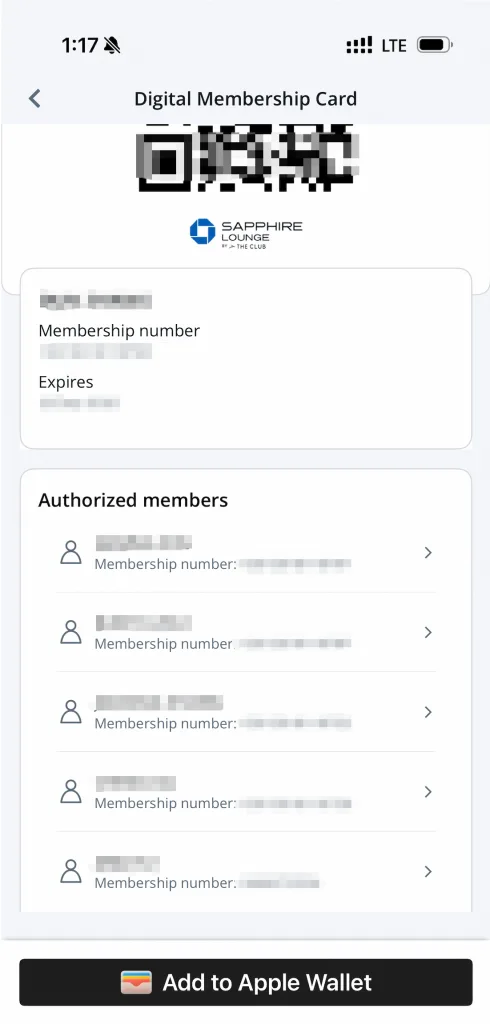
At the bottom of the next page you will see a See digital membership card button. Tap it:
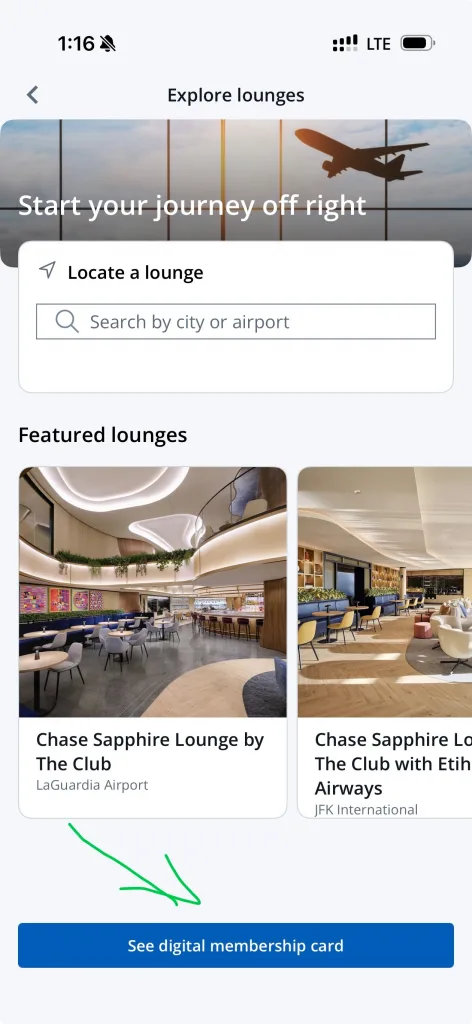
The next screen shows PPS accounts for the primary cardholder and every authorized user. Tap an authorized card and you also get a QR code and card number.
A few things to watch ⚠️:
- After you have the PPS account, go to the Priority Pass website to activate it. The PPS that Ritz currently includes requires a US-region Apple ID to download the Priority Pass+ app before you can sign in
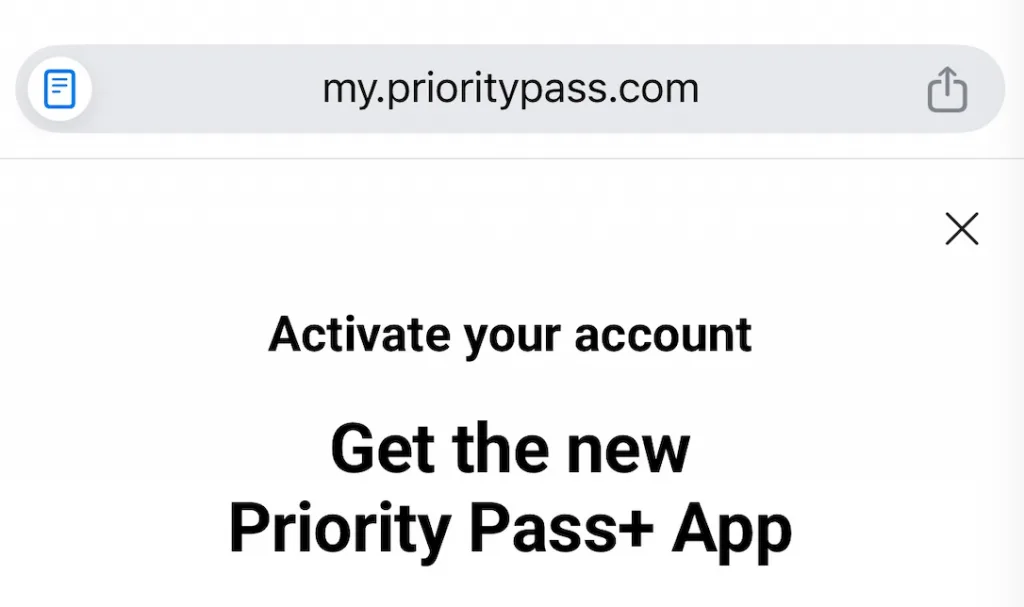
- Once the authorized card is added, Priority Pass is registered automatically. You do not need a phone agent. If you cannot find the card number in the Priority Pass+ app, wait a few days. A newly added authorized card has not yet synced to Priority Pass.
Comments
Comments from a new email are reviewed before they appear.